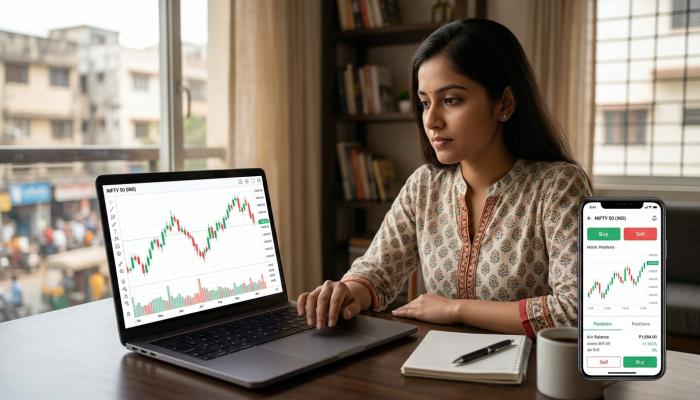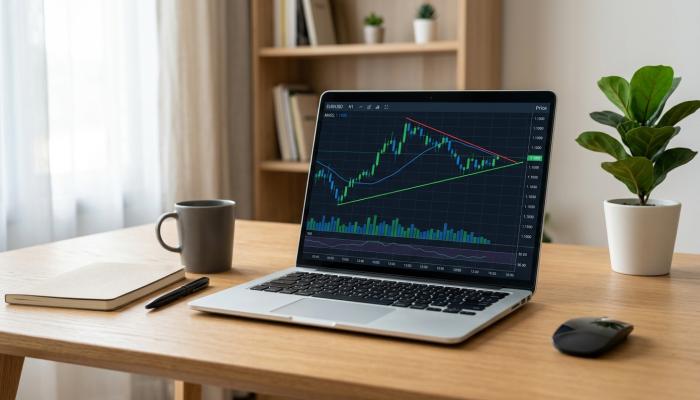
If you have spent any time on trading forums or YouTube trading channels, you have probably seen a TradingView chart at some point. It is one of the most widely used charting platforms in the world, and a lot of Indian traders and investors use it every day, either on its own or alongside their broker’s app.
In this article, I will walk you through what TradingView actually is, how it works, what its free and paid plans offer, and what you should know before you start using it seriously. I will also cover some common problems users face and practical things to check before you rely on it for your trading decisions.
What Is TradingView?
TradingView is a charting and market analysis platform. It is not a stockbroker, so you cannot buy or sell shares directly through it in India in most cases. Instead, it gives you tools to look at price charts, apply technical indicators, draw trendlines, track multiple markets, and study price behaviour over time.
It covers a wide range of markets, including Indian stocks (NSE and BSE), indices, commodities, forex, crypto, and international stocks. This is one reason it is popular with Indian traders who want to track global markets alongside domestic ones, all from a single screen.
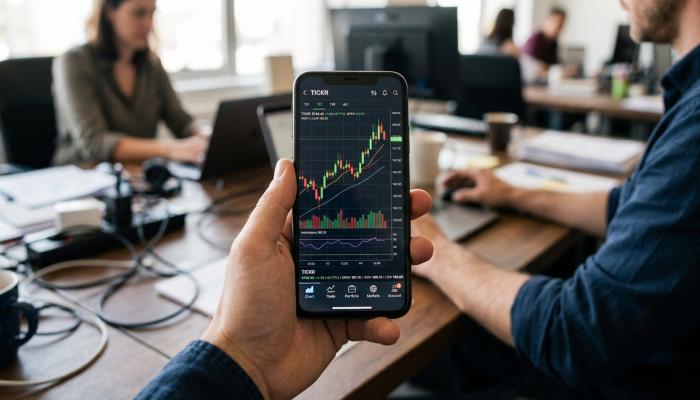
TradingView works both as a website and as a mobile app, so you can use it on your laptop during the day and check charts on your phone when you are out.
How TradingView Works
At a basic level, TradingView pulls in price data for the instruments you search for and plots it as a chart. You can choose different chart types, such as candlestick, line, bar, or Heikin Ashi, depending on what you are comfortable reading.
Once your chart is open, you can:
- Add technical indicators like moving averages, RSI, MACD, or Bollinger Bands
- Draw trendlines, support and resistance zones, or Fibonacci levels
- Change the time frame, from one-minute charts to weekly or monthly views
- Save your chart layouts so you do not have to set them up again each time
Many Indian brokers have also integrated TradingView charts directly into their own apps or web platforms. So even if you have never opened TradingView separately, there is a good chance you have already used its charting engine through your broker.
The TradingView App
The TradingView app is available for both Android and iOS. It mirrors most of what you can do on the desktop website, including chart drawing tools, indicators, watchlists, and alerts.
For someone who is used to checking charts only on a laptop, the app takes a little getting used to because of the smaller screen. But once you get comfortable with pinch-to-zoom and the mobile toolbar, it becomes a convenient way to track markets while commuting or during short breaks.
One thing to keep in mind is that some advanced tools work better on a larger desktop screen, simply because there is more room to work with multiple indicators and drawings at once.
Is TradingView Free?
Yes, TradingView free plan does exist, and it is genuinely usable for a beginner. On the free plan, you get:
- Access to basic charting tools
- A limited number of indicators per chart
- Real-time data for many markets, though for some exchanges data may be delayed
- Basic alerts, though with restrictions
If you are just starting to learn technical analysis, the free plan is often enough to practice reading charts and understanding price action.
That said, TradingView also offers paid subscription plans that unlock more indicators per chart, more saved chart layouts, extended alert limits, and additional tools. Since pricing plans and features are updated by TradingView from time to time, I would suggest you check the latest update information on their official pricing page before subscribing, rather than relying only on what you read in older articles or videos.
Also Read: Spice Money: Complete Guide to Login, Services, Charges and Common Problems
TradingView Charts and Technical Analysis
This is really where TradingView stands out. The charting engine is smooth, customisable, and widely respected among traders who focus on technical analysis.
For Indian readers who are new to this, technical analysis simply means studying price charts and patterns to understand possible future price movement, instead of only looking at a company’s financial fundamentals.
TradingView supports:
- Multiple indicator combinations on a single chart
- Custom scripts written in Pine Script, TradingView’s own scripting language, which lets experienced users build their own indicators or strategies
- A large public library of community-built indicators and strategies that you can add to your chart
If you are a beginner, you do not need to touch Pine Script at all. You can simply use the built-in indicators and slowly learn what each one does.
TradingView Indicators Explained Simply
An indicator is basically a mathematical calculation based on price and volume, plotted on your chart to help you spot trends, momentum, or possible reversal points.
Some commonly used ones include:
- Moving Average (MA): Smooths out price data to show the general direction of a trend.
- RSI (Relative Strength Index): Helps identify if a stock might be overbought or oversold.
- MACD: Used to spot changes in momentum and trend direction.
- Bollinger Bands: Shows volatility by plotting bands above and below a moving average.
It is worth remembering that no indicator predicts the future with certainty. Indicators are tools to support your analysis, not guarantees of what will happen next. Combining a couple of indicators with your own understanding of the stock or market usually works better than blindly following any single one.
TradingView Alerts
Alerts are one of the most useful features for people who cannot watch charts all day, which describes most working professionals and students.
You can set an alert based on price levels, indicator conditions, or drawing tools like trendlines. When the condition is met, TradingView can notify you through the app, email, or in some cases through other connected services.
On the free plan, the number of active alerts is limited. If you rely heavily on alerts for multiple stocks, you may find yourself needing a paid plan eventually. Since alert limits and features have changed over different plan updates, please check the latest update information on TradingView’s own pricing page for the exact current limits.
TradingView Paper Trading
TradingView also offers a paper trading feature, which lets you practice trading with virtual money in simulated market conditions. This is genuinely useful for beginners who want to test a strategy or get comfortable with order types before using real money.
A few honest points about paper trading:
- It helps you practice the mechanics of placing trades and reading charts.
- It does not fully replicate real market emotions, since there is no real money at risk.
- Order execution in paper trading may not perfectly match how real markets behave during high volatility.
So treat paper trading as a learning tool, not as proof that a strategy will work the same way with real capital.
TradingView Charges and Costs
Since TradingView is a subscription-based platform with multiple plan tiers, and pricing can change over time, I will not quote exact numbers here that might be outdated by the time you read this. Instead, here is what you should check yourself before subscribing:
- Current pricing for each plan (monthly and yearly options usually differ in cost)
- What exactly is included at each tier, such as number of indicators, alerts, and saved layouts
- Whether there are any regional pricing differences for Indian users
- Refund or cancellation policies for the paid plan
Please check TradingView’s official pricing page directly for the latest update information, as third-party articles and older videos may show outdated numbers.
Is TradingView Safe to Use?
From a general safety standpoint, TradingView is a widely used, well-established platform, and it does not directly hold your money or execute trades on your behalf in most standard use cases in India, since it primarily functions as a charting tool.
Since it is not your broker, your actual funds and holdings remain with your Demat and trading account provider, not with TradingView. Still, like any online platform, basic account safety practices apply:
- Use a strong, unique password
- Enable two-factor authentication if available
- Be cautious of fake apps or phishing links claiming to be TradingView
- Only connect your broker account through the official integration options provided by TradingView or your broker
Common Problems Users Face
Based on general user feedback across trading communities, here are some issues that come up often. I am presenting these as commonly reported experiences, not as facts confirmed for every user.
Data delays for some Indian exchanges: Depending on your plan, real-time data for certain exchanges may not be included, and you might see delayed data instead. Check your plan details to confirm what data you are actually getting.
Indicator limits on free plan: New users are sometimes surprised that the free plan restricts how many indicators can be shown on one chart at a time.
Learning curve with Pine Script: For those who want to build custom strategies, Pine Script has its own learning curve and is not something you pick up in a day.
Mobile app performance on older phones: Some users with older or lower-spec phones report the app can feel slightly slow with multiple indicators loaded.
Practical Solutions
- If data delay is a concern for your trading style, check which plan includes real-time data for the exchange you trade on.
- Start with two or three indicators you understand well, rather than adding many at once.
- Use TradingView’s help documentation and community scripts to learn Pine Script gradually.
- Close unused browser tabs or apps to free up resources if the app feels slow on your phone.
Who May Find TradingView Useful
- Traders and investors who want a dedicated charting tool beyond what their broker app offers
- Beginners who want to practice technical analysis and paper trading before using real money
- People who track multiple markets, such as Indian stocks alongside global indices or crypto
- Anyone who wants to set price alerts instead of watching charts constantly
Who May Not Find It Suitable
- Someone looking for a platform to actually place trades, since TradingView itself is not a broker in the typical Indian retail sense
- Absolute beginners who have not yet learned basic charting concepts, as the number of tools available can feel overwhelming at first
- Users unwilling to pay for a subscription, if their trading needs go beyond what the free plan offers
Things to Check Before You Start Using TradingView Seriously
- Confirm which plan gives you the data and indicator access you actually need
- Check if your existing broker already provides TradingView charts as part of their platform, which could save you a separate subscription
- Read the current terms on your region’s pricing page, since India-specific pricing can differ from global pricing shown by default
- Understand that TradingView is a tool for analysis, not a guarantee of trading success
FAQ
Is TradingView free to use in India? Yes, TradingView offers a free plan with basic charting and indicator access. Paid plans unlock more features. Check the official website for current plan details.
Can I buy and sell stocks directly on TradingView in India? In most standard cases, TradingView functions as a charting and analysis tool rather than a full brokerage for Indian retail trading. Always verify current supported integrations on TradingView’s official site.
Is TradingView good for beginners? It can be, especially through the free plan and paper trading feature, but beginners should first learn basic chart reading and a couple of indicators before exploring the full range of tools.
Does TradingView guarantee accurate trading signals? No. TradingView provides charting and indicator tools, but indicators reflect past price and volume data. They do not predict future price movement with certainty.
Is my money safe if I use TradingView? TradingView typically does not hold your trading funds, since your money remains with your actual broker and Demat account provider. Still, follow basic account security practices like strong passwords and two-factor authentication.
Conclusion
TradingView has become a popular charting tool among Indian traders because of its clean interface, wide market coverage, and flexible technical analysis tools. The free plan is a solid starting point for beginners, while paid plans add more indicators, alerts, and customisation for those who need it.
That said, TradingView is a tool to support your analysis, not a shortcut to guaranteed profits. Charges, plan features, and data access can change over time, so it is always worth checking the latest information directly from TradingView before making a subscription decision.
Disclaimer
This article is for educational and informational purposes only and should not be considered financial or investment advice. Trading and investing in the stock market involve risk, including the risk of loss of capital. Please do your own research or consult a qualified financial advisor before making any trading or investment decisions. Pricing, features, and plan details mentioned may change over time, so always verify current information on TradingView’s official website.